
Latest Version
Cyan Soft
General
Windows
Free
9pbgrw9s6gr4
Report a Problem
More About iPrint and Scan - Document Scanner App
The Modern Challenge of Paperwork Management
In an increasingly digital workplace, bridging the gap between physical documents and digital files remains a daily hurdle. Whether you are dealing with signed contracts, expense receipts, or multi-page reports, finding a reliable way to digitize these assets quickly is essential. The iPrint and Scan - Document Scanner App by Cyan Soft offers a dedicated solution for Windows users looking to transform their standard hardware into a highly efficient productivity hub.
A Unified Interface for Major Hardware Brands
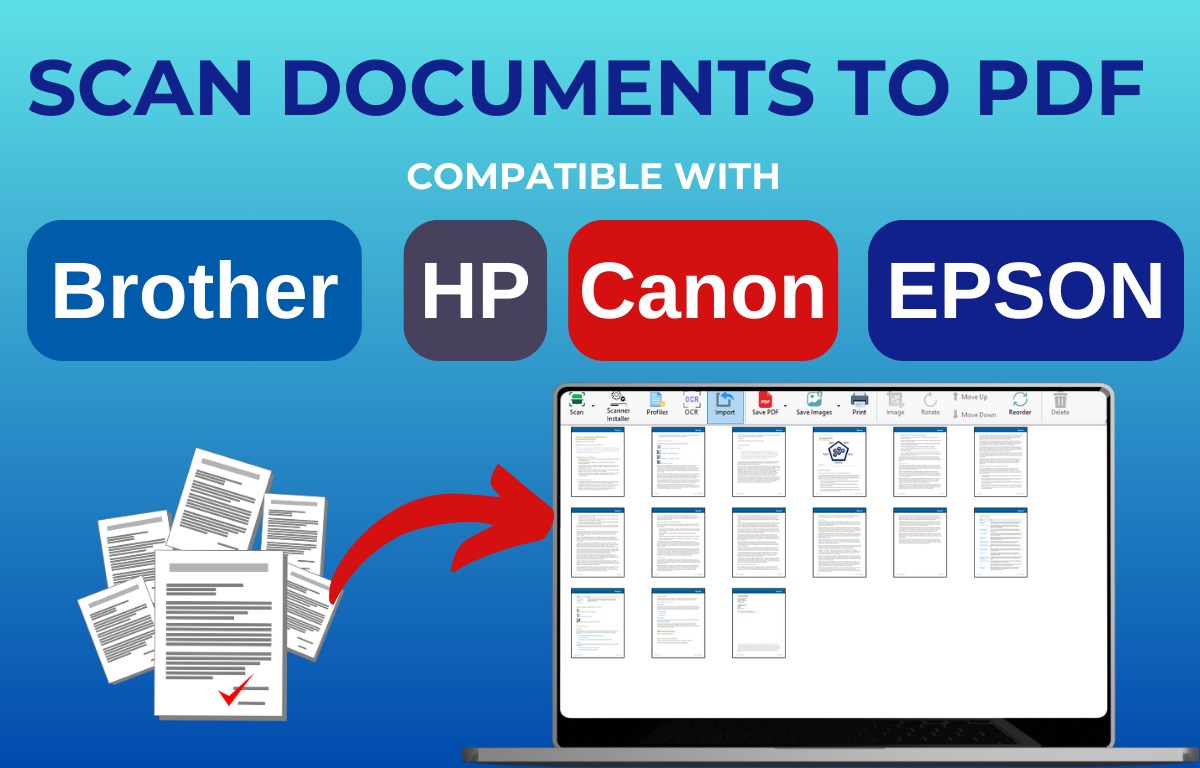
One of the most significant advantages of this utility is its broad compatibility. Instead of forcing users to navigate proprietary, often bloated software from individual manufacturers, the iPrint and Scan - Document Scanner App provides a centralized control panel. It works seamlessly with devices from industry-leading brands, including:
- Canon
- Brother
- HP
- Epson
- Fujitsu
Key Features of the iPrint and Scan - Document Scanner App
The software is designed to accommodate both quick, single-page captures and complex archiving tasks. Here is a breakdown of what makes it a practical addition to your digital toolkit:
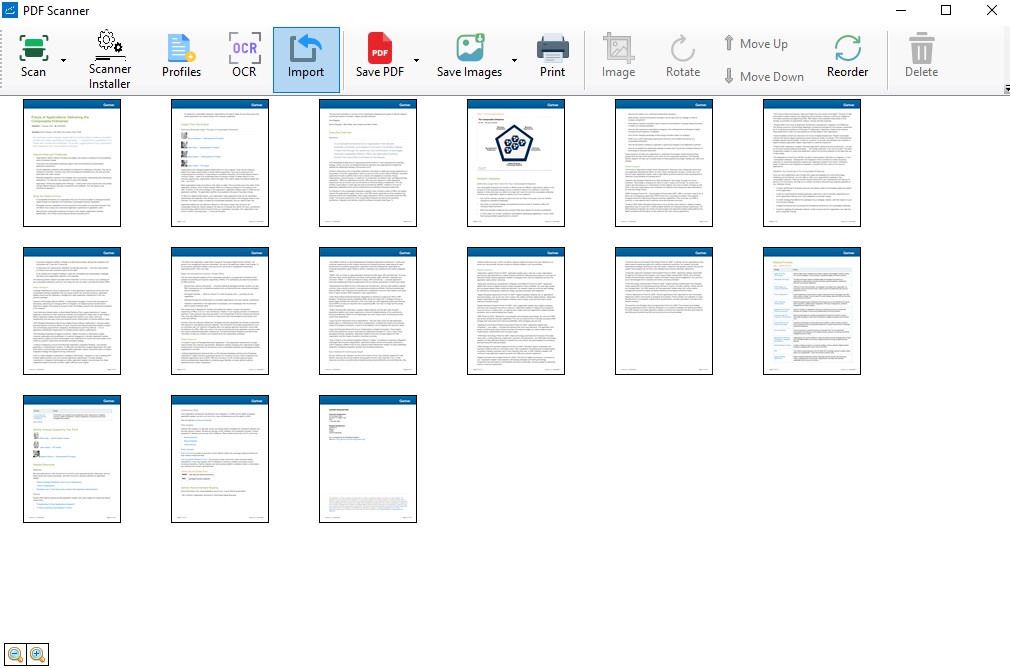
- Flexible Capture Modes: Easily capture a single sheet from a flatbed or manage high-volume jobs using an automatic document feeder (ADF).
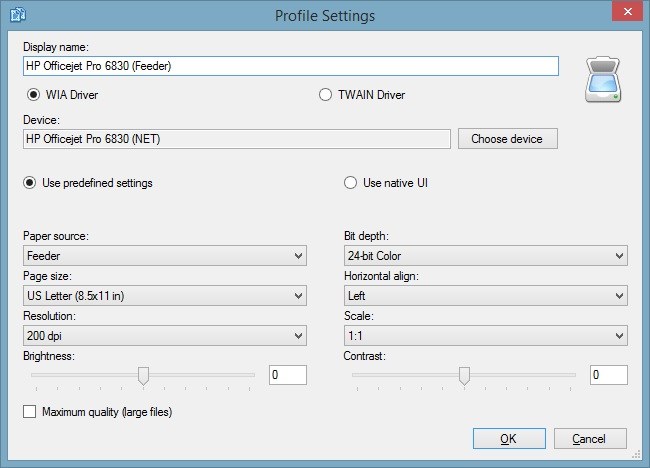
- Customizable Hardware Profiles: Save your favorite configurations and resolution settings for different devices to eliminate repetitive setup times.
- Versatile Output Formats: Export your digitized files into universally accepted formats such as PDF, TIFF, JPEG, and PNG.
- Streamlined Distribution: Once scanned, files can be immediately saved to your local drive, prepared for email attachments, or sent directly to a connected printer.
Tailored for Professional Productivity
With its structured approach to file management, the iPrint and Scan - Document Scanner App is highly suited for freelance professionals, small businesses, and busy home offices. While the core scanning features are accessible for free, advanced functionalities—such as multi-file processing, image editing tools, and direct-to-PDF saving—are available via premium upgrades.
Is It Right for Your Workflow?
If you are tired of fighting with outdated scanner drivers and want a clean, reliable interface to manage your digitization tasks, this tool is well worth considering. To explore its features and integrate it into your daily operations, visit the official Microsoft Store to view the listing for the iPrint and Scan - Document Scanner App.
Rate the App
User Reviews







Popular Apps








Editor's Choice