


Latest Version
Nickvision
Entertainment
Linux
Free
org.nickvision.cavalier
Report a Problem
More About Cavalier Audio Visualizer: Linux Desktop Music Companion
For Linux desktop enthusiasts, listening to music or editing audio often feels like a one-dimensional experience without some form of screen feedback. The Cavalier audio visualizer solves this aesthetic gap by translating your system audio into beautiful, real-time wave graphics. Developed by Nickvision, this modern utility brings dynamic life to your workspace, transforming any background noise, podcast, or song into an engaging show.
What is the Cavalier Audio Visualizer?
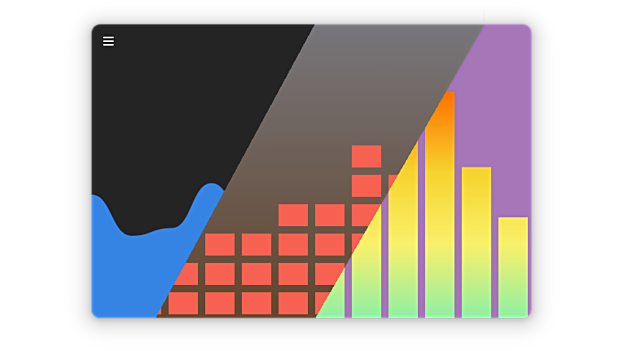
At its core, the Cavalier audio visualizer is a highly customizable graphical interface built on top of the popular CAVA (Console-based Audio Visualizer) framework. While CAVA runs traditionally in the terminal, Cavalier brings these audio waves to a polished desktop window, offering an elegant entertainment tool for Linux users who want to monitor their audio output visually.
Tailoring Your Desktop Visuals
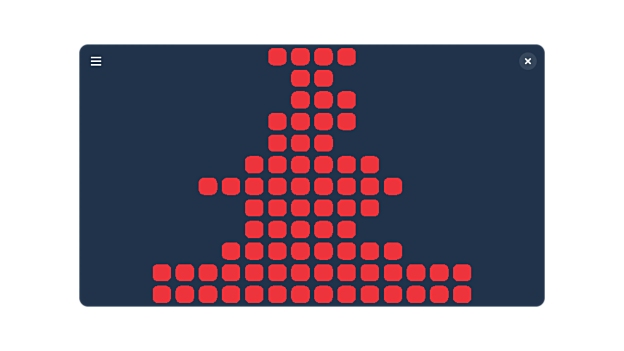
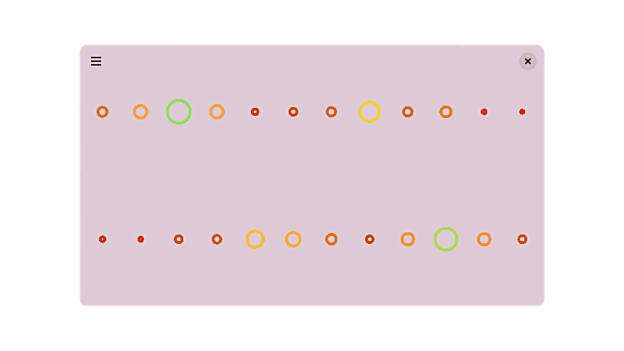
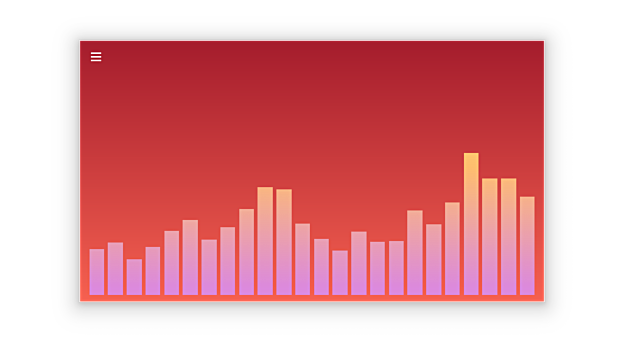
Unlike rigid media players, this application provides an exceptional level of visual control. Users can customize almost every element of the interface to match their desktop environment or current mood:
- 11 Drawing Modes: Choose from eleven distinct visualization styles to match your aesthetic preferences.
- Complete Color Freedom: Set any solid color, smooth gradient, or even custom background and foreground images.
- Advanced CAVA Tuning: Fine-tune core audio settings, including noise reduction, sensitivity, and smoothing parameters, to ensure the visualizer reacts perfectly to different music genres.
Who is Cavalier For?
This application is highly recommended for Linux desktop customizers, audiophiles, and content creators who want an elegant visual element running on a secondary monitor or integrated into their desktop layout. Because it is optimized for the Linux platform, it runs efficiently without consuming excessive system resources.
How to Access Cavalier
If you want to elevate your Linux desktop aesthetic, you can explore the official release of the Cavalier audio visualizer. To learn more or to set it up on your system, visit the official Flathub project page.
Rate the App
User Reviews
Other Apps in This Category


Popular Apps










Editor's Choice